


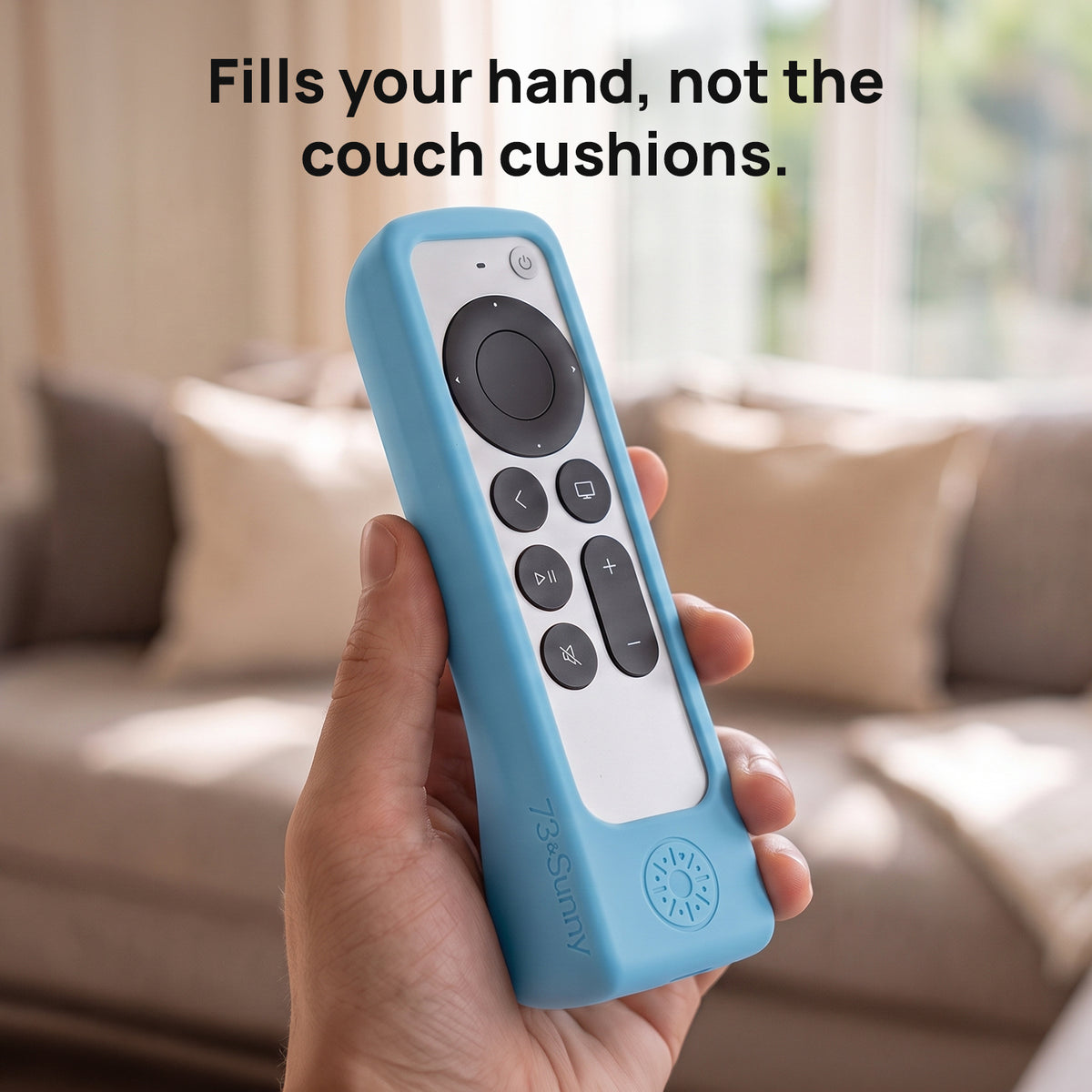
GripStand™ Remote Case + Mount for Siri Apple TV
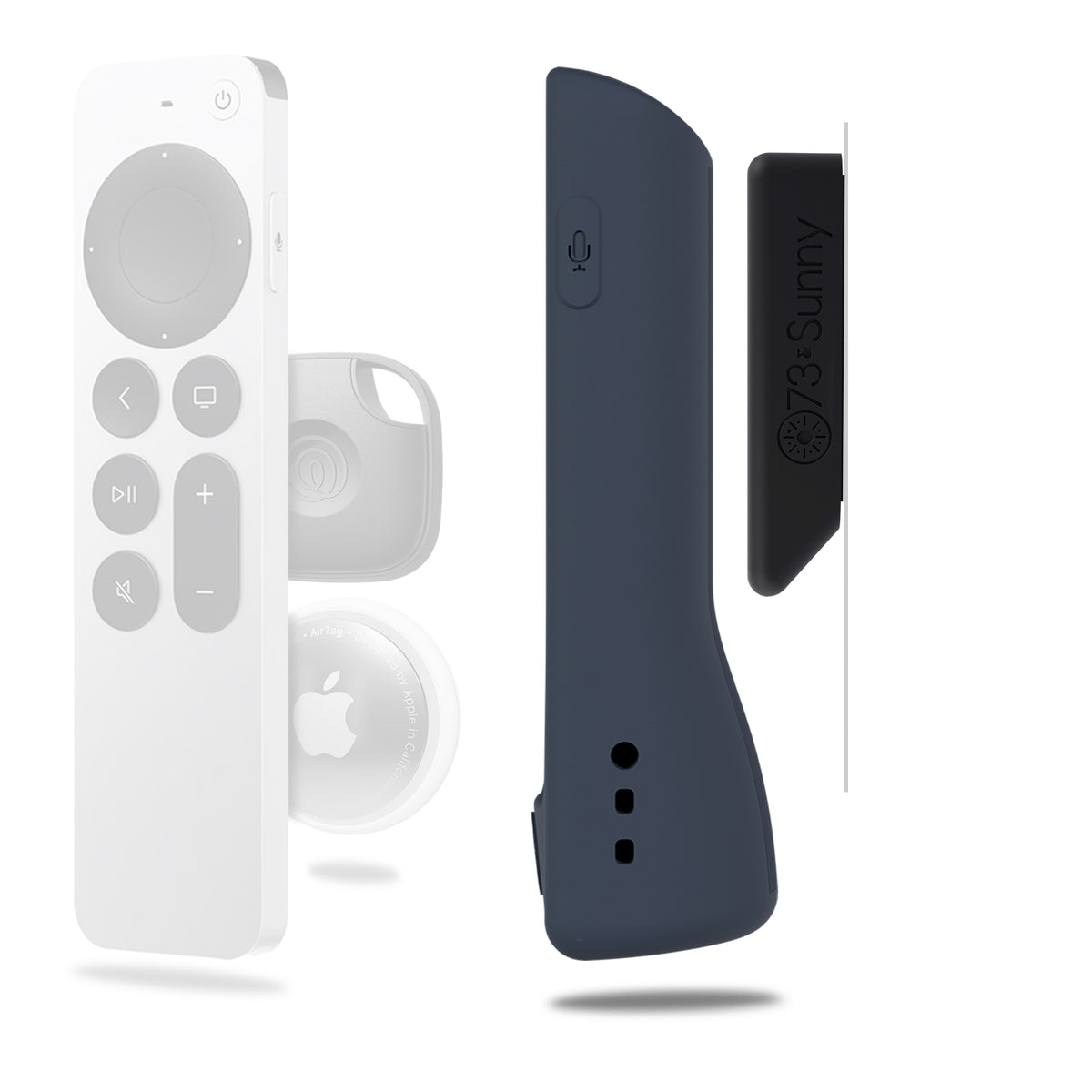
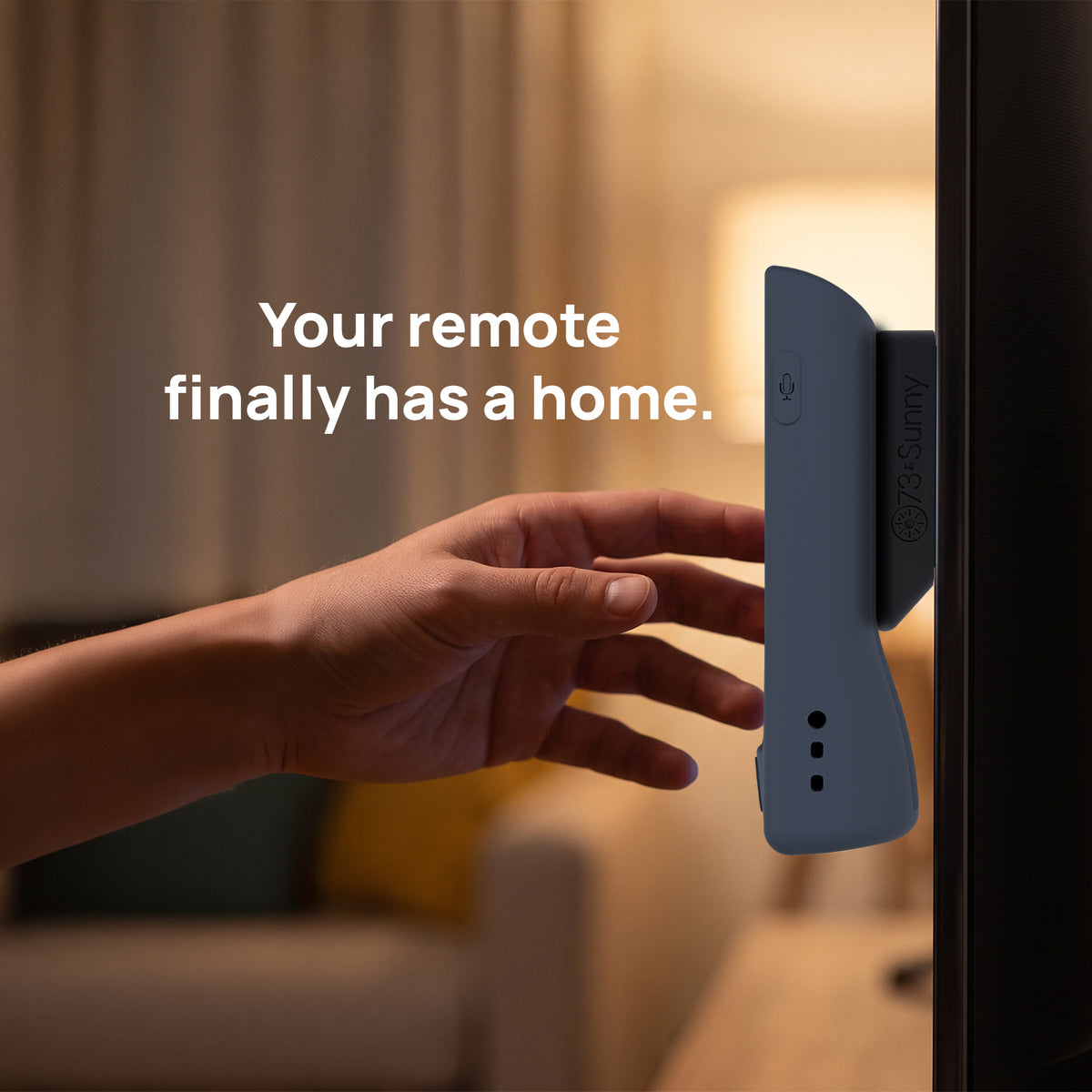
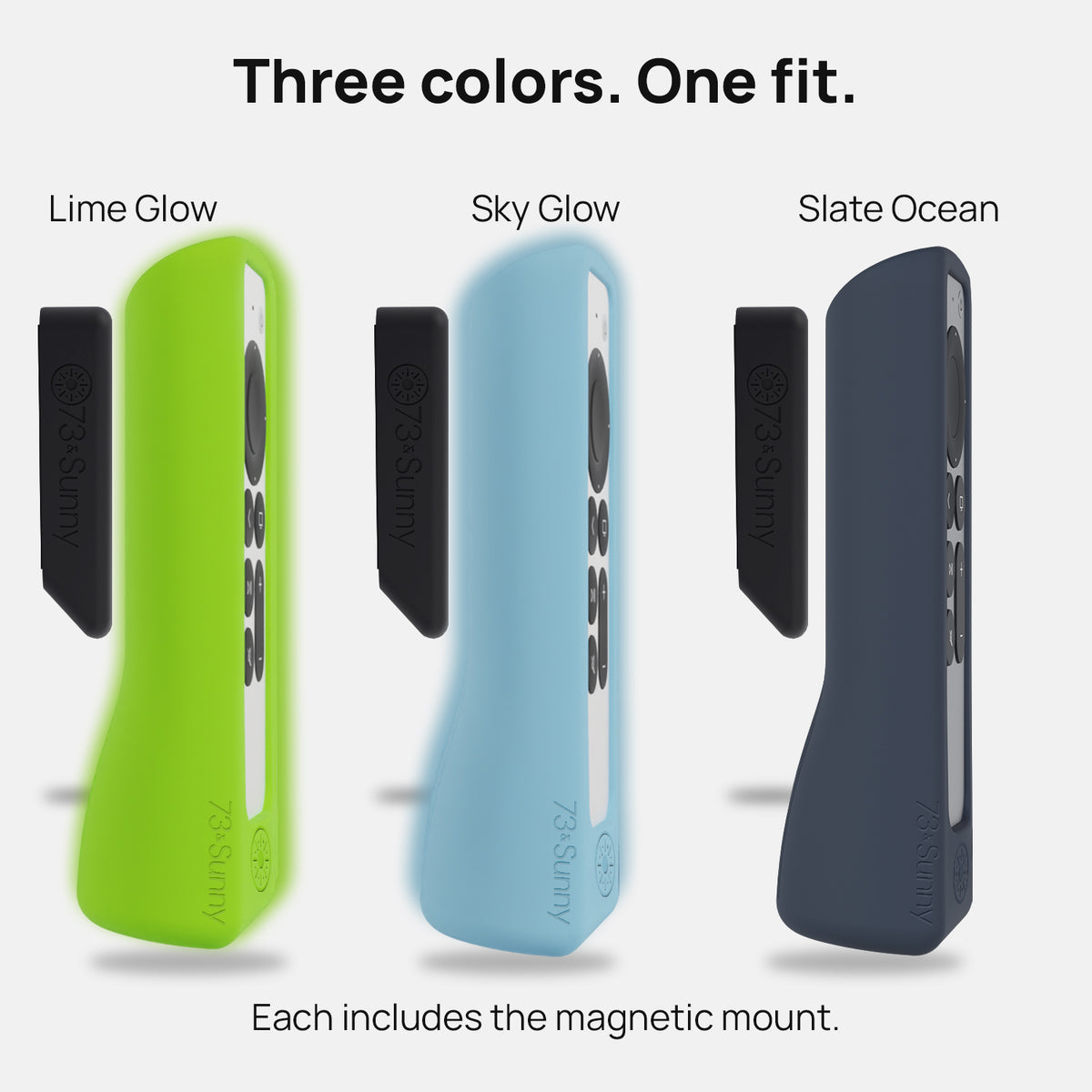
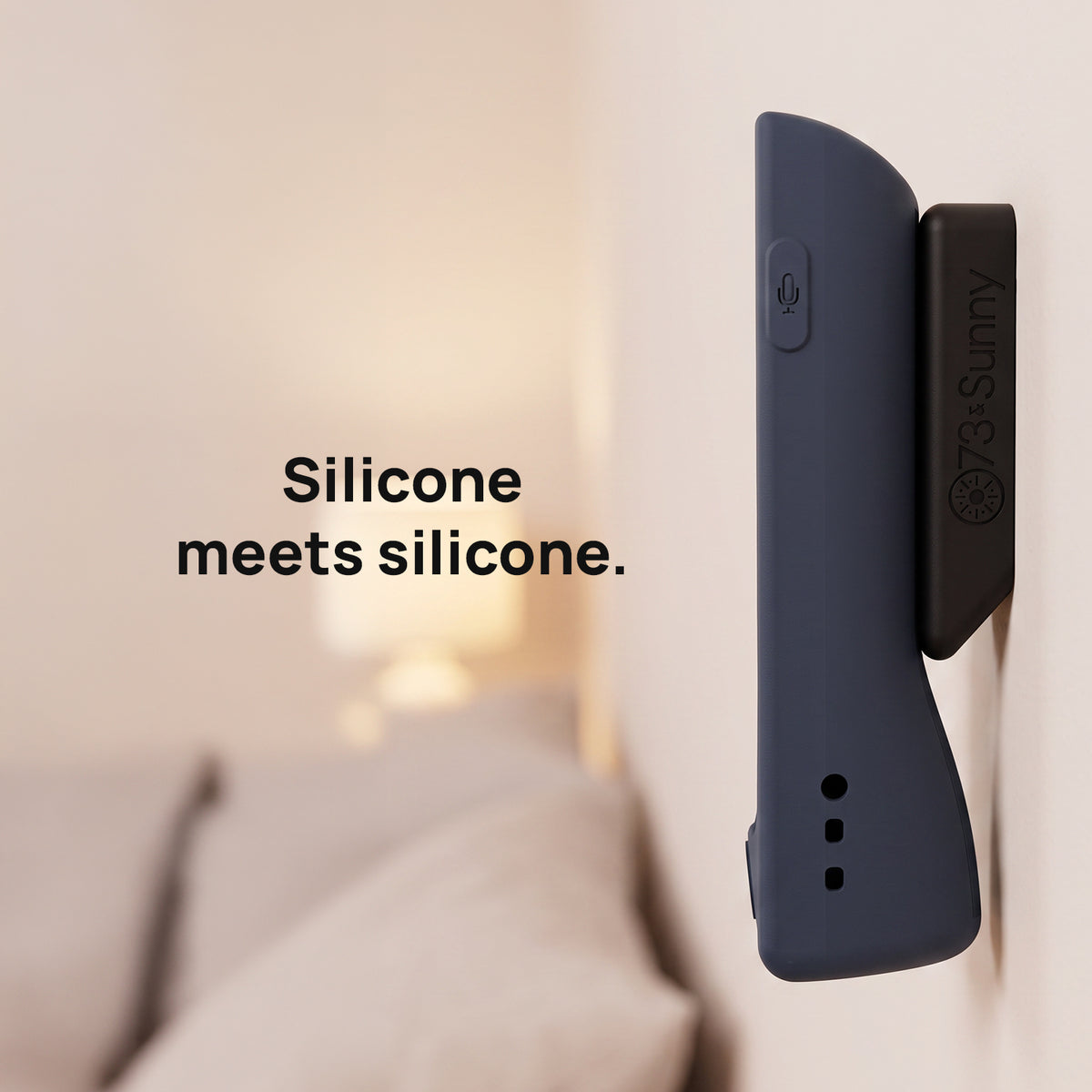
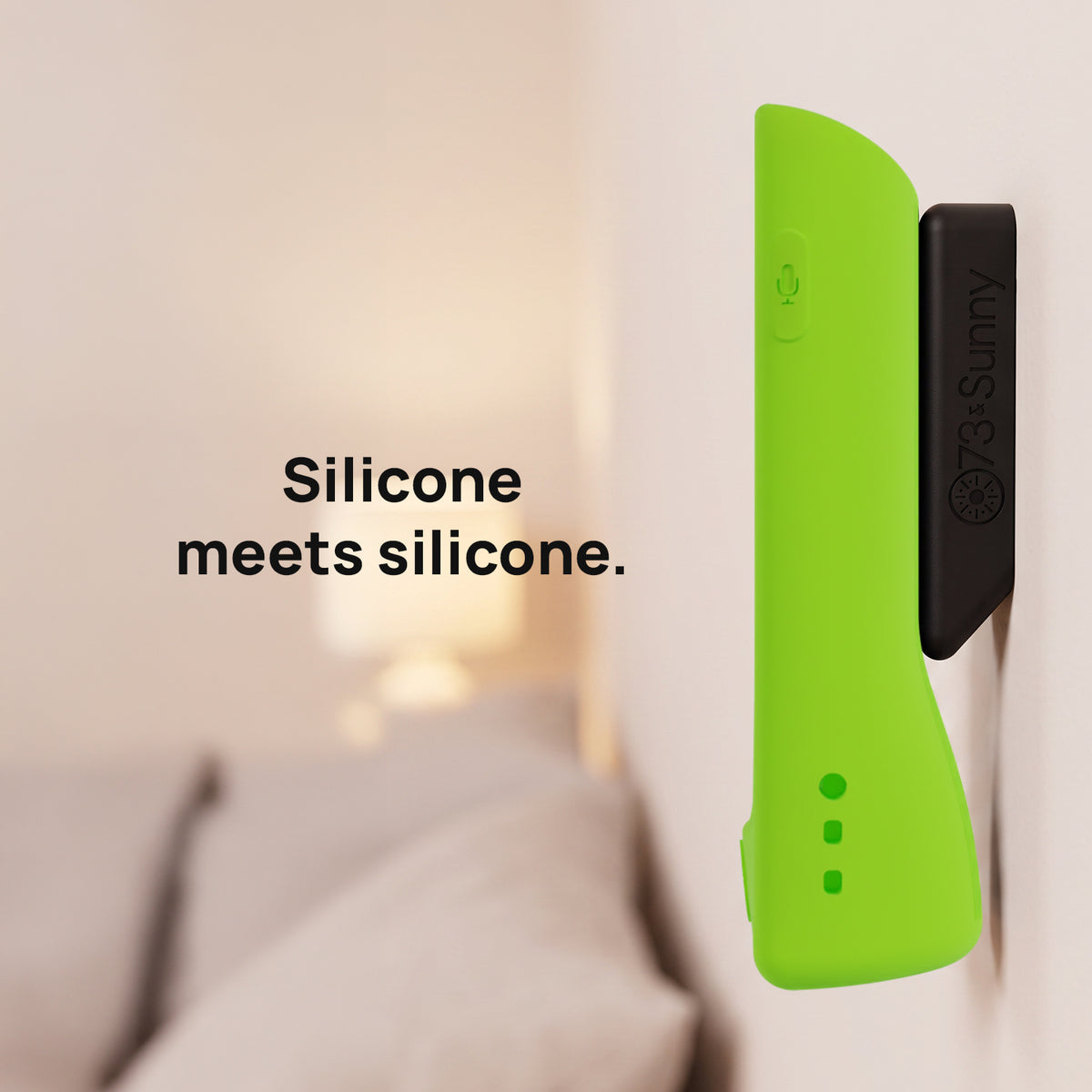
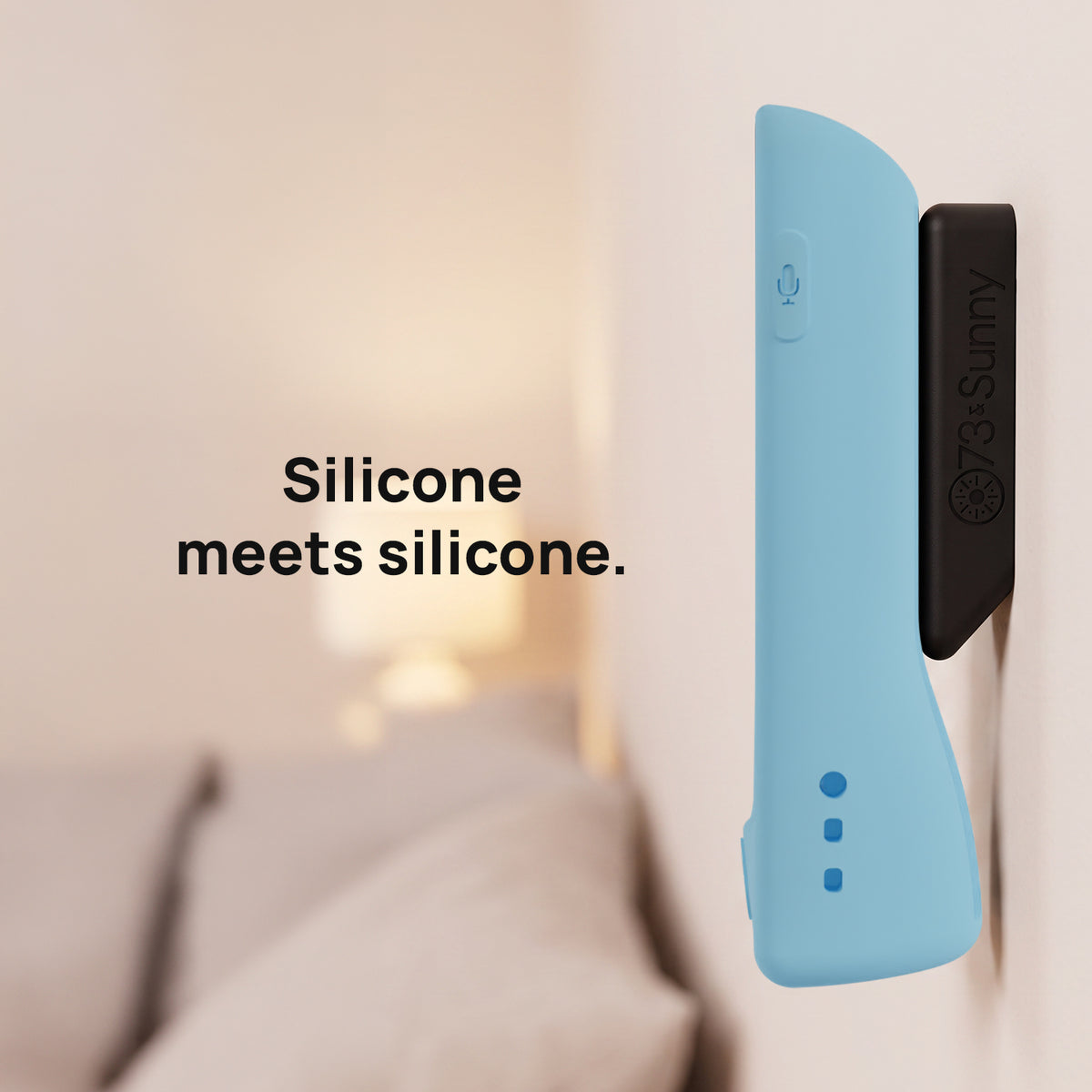
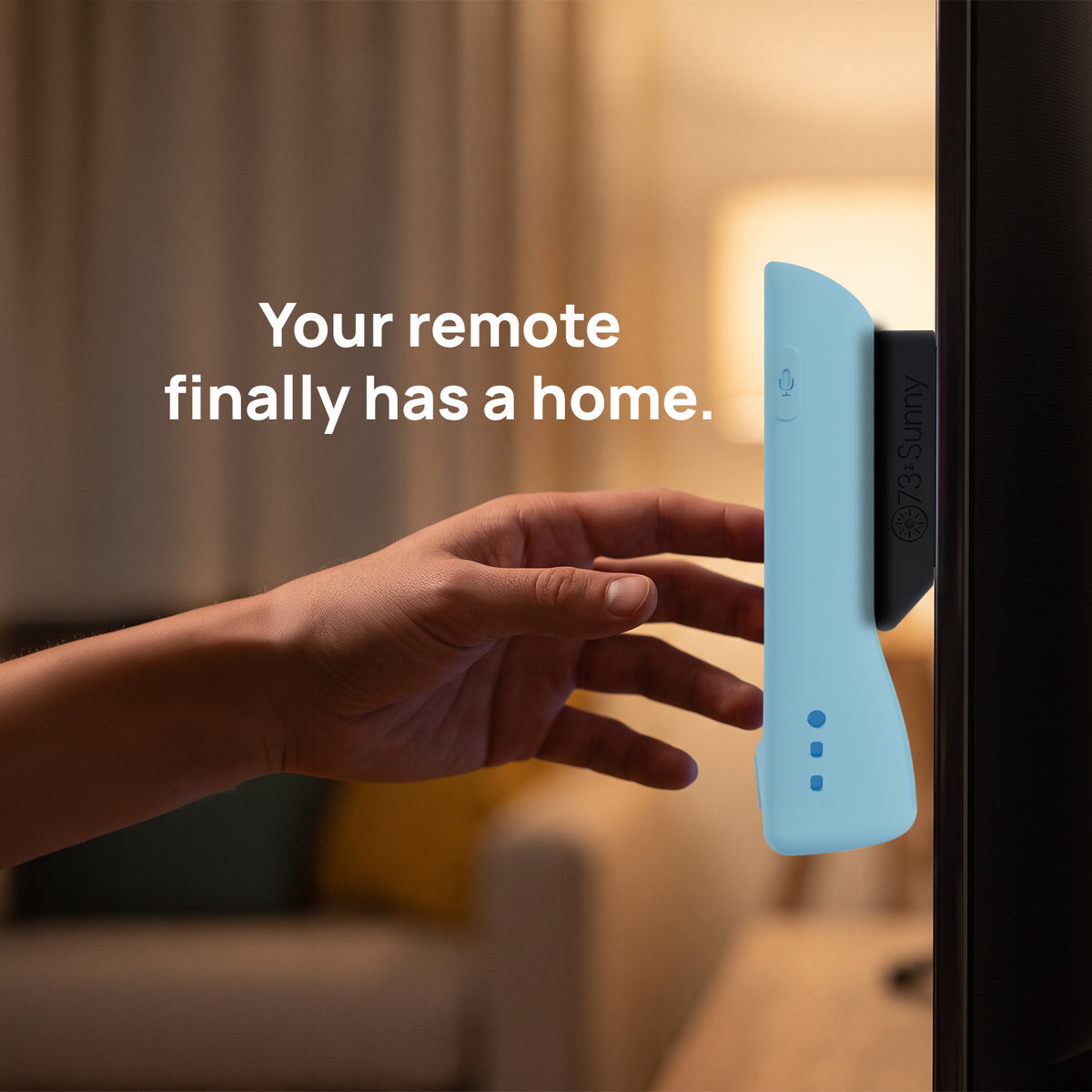
The GripStand case now comes with a magnetic mount, so your remote has a set place to live.
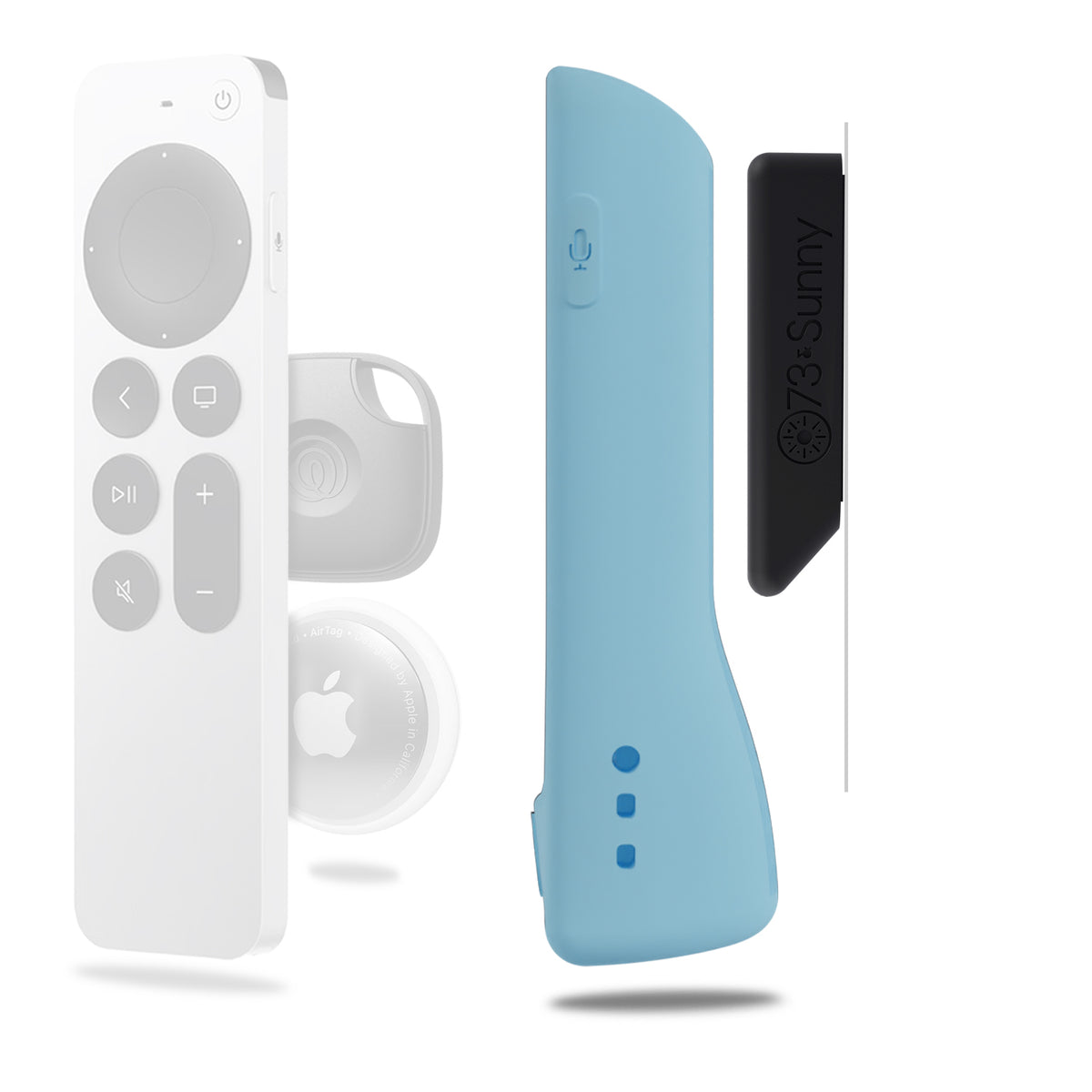
- Magnetic mount included: the mount adheres to a flat surface and the remote attaches to it, so the remote has a set place to live
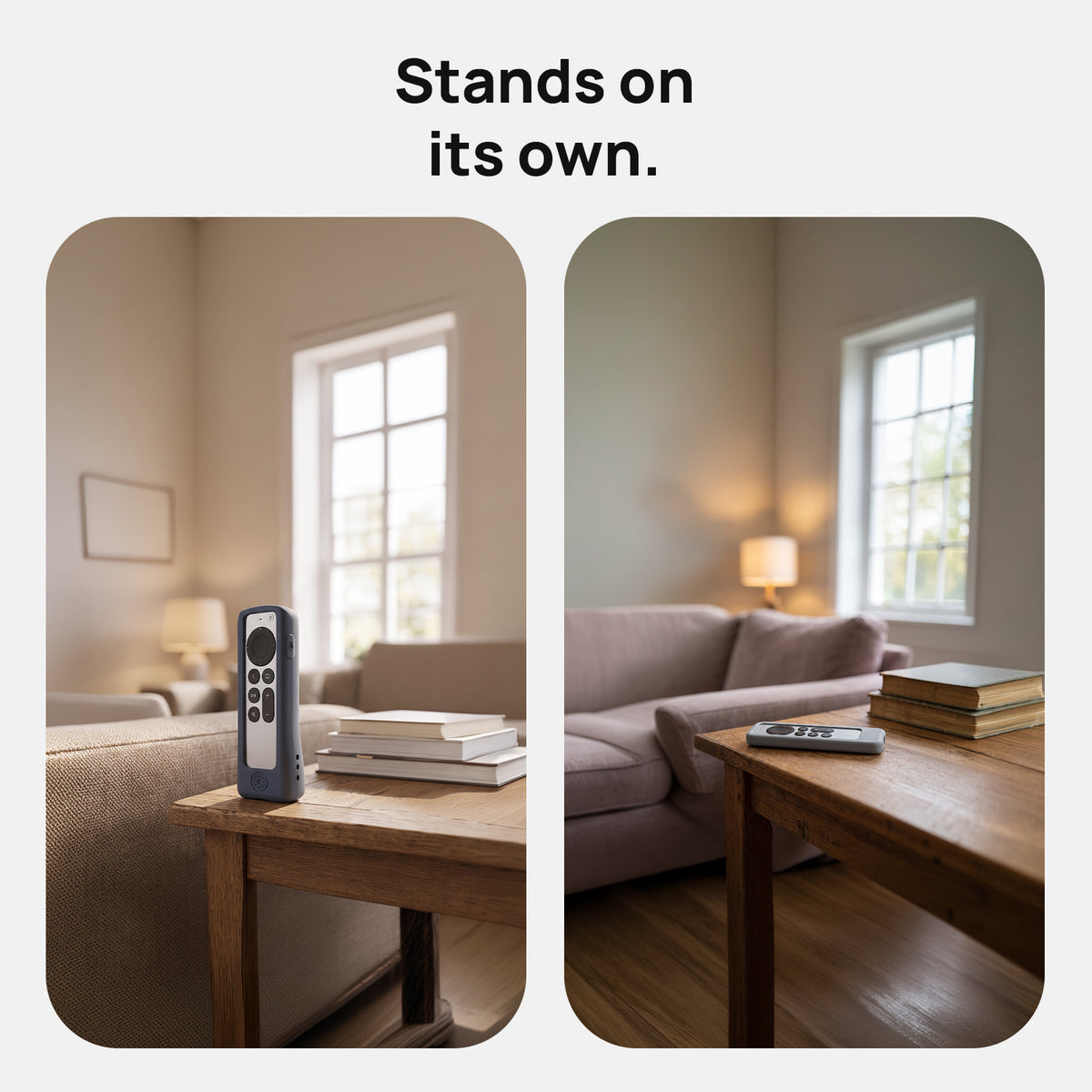
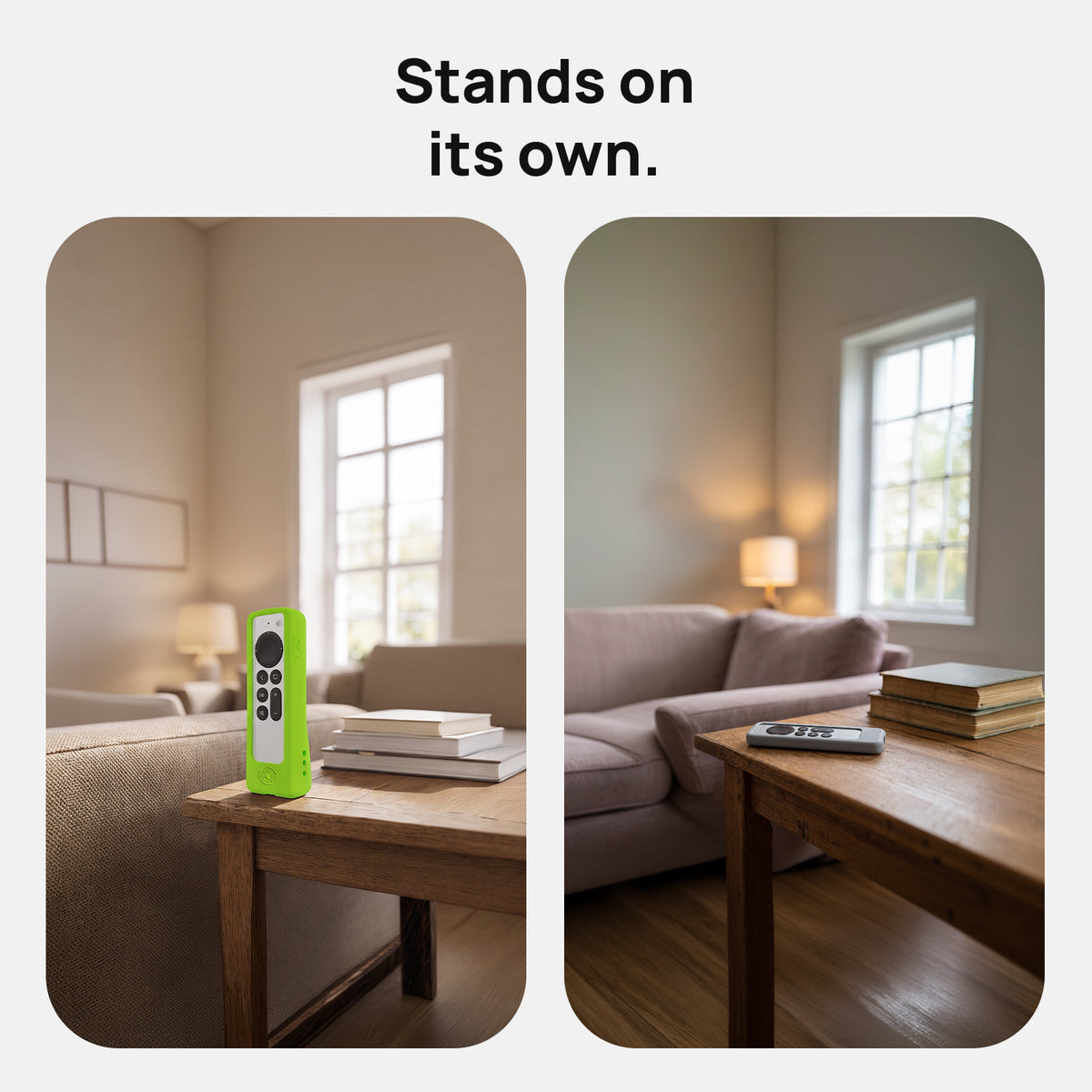
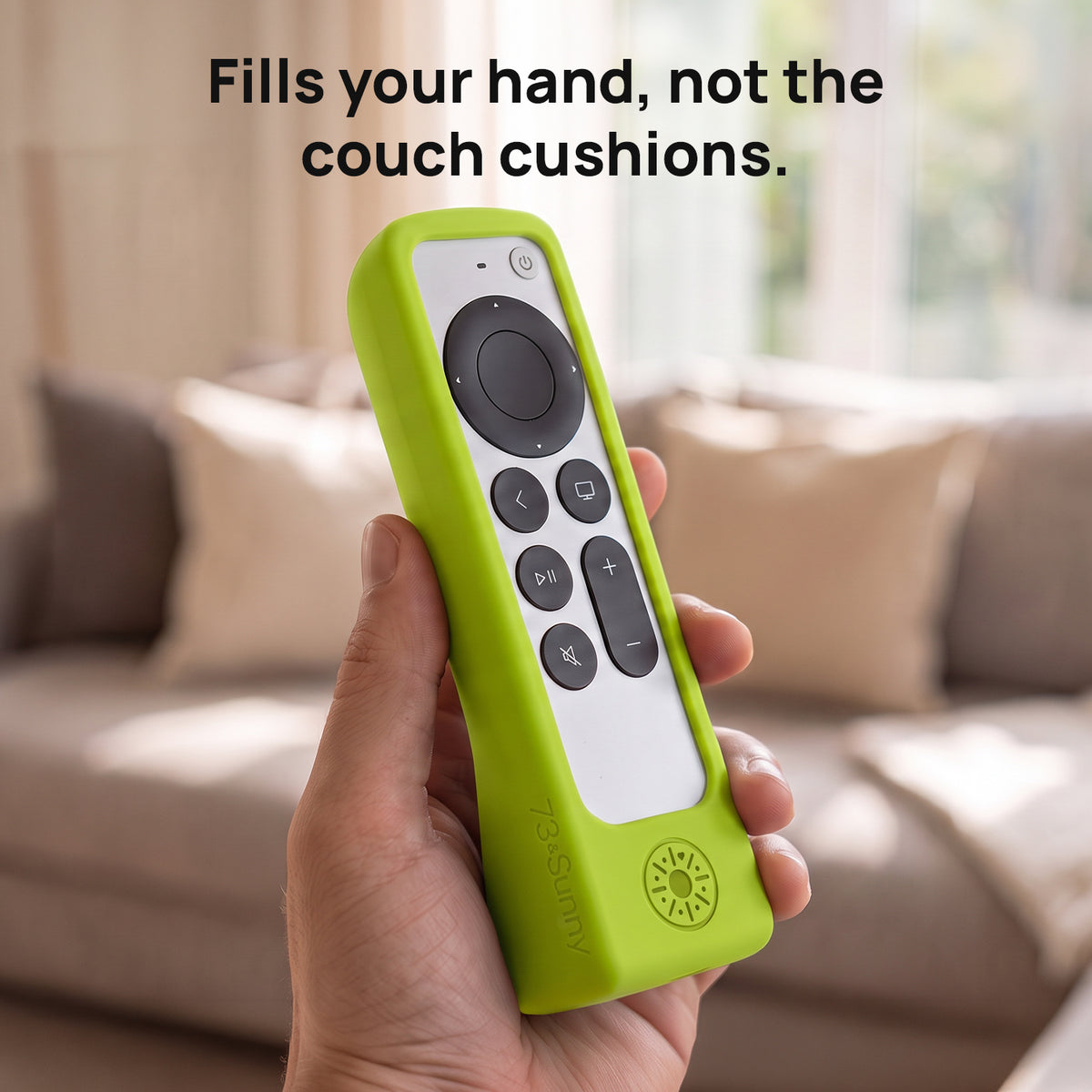
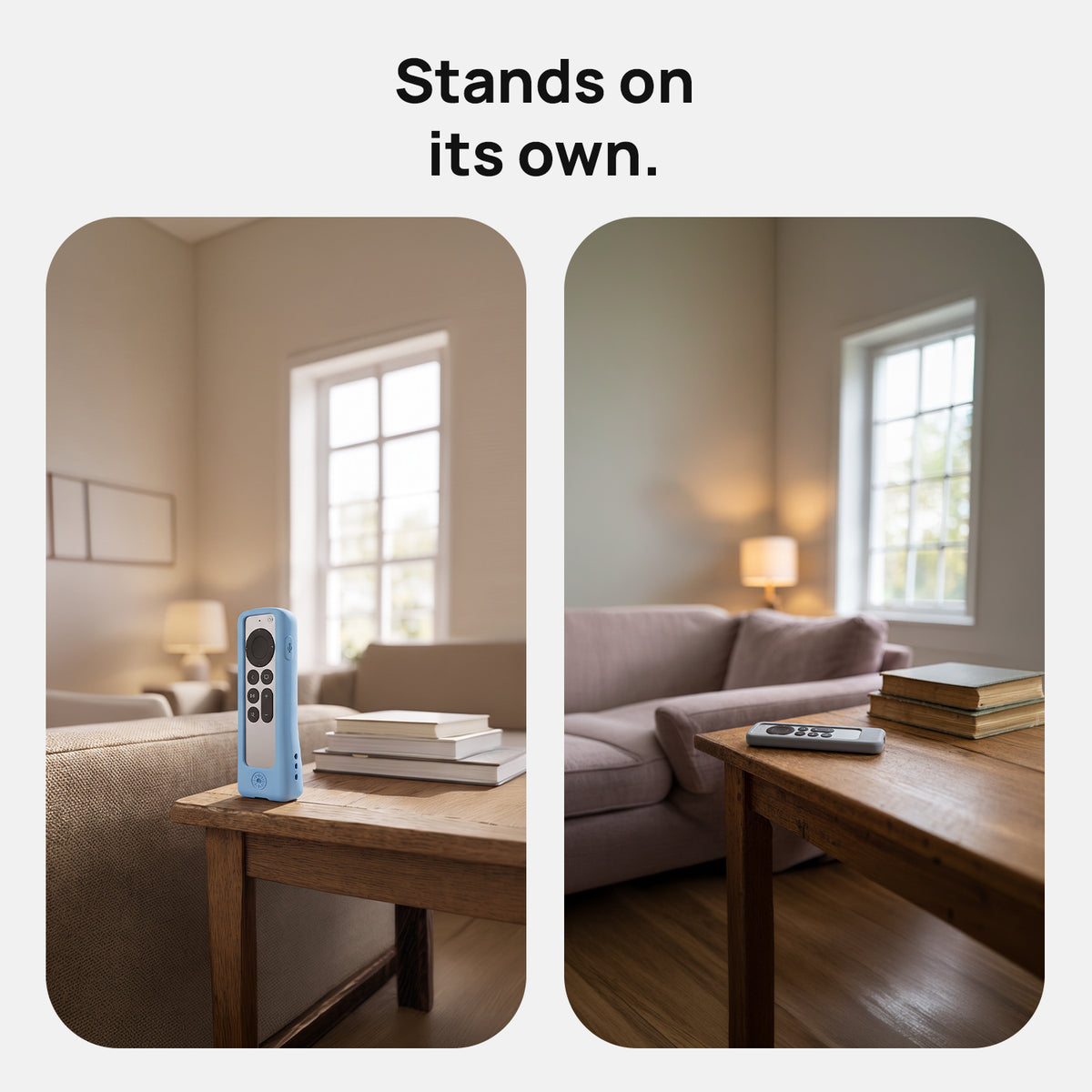
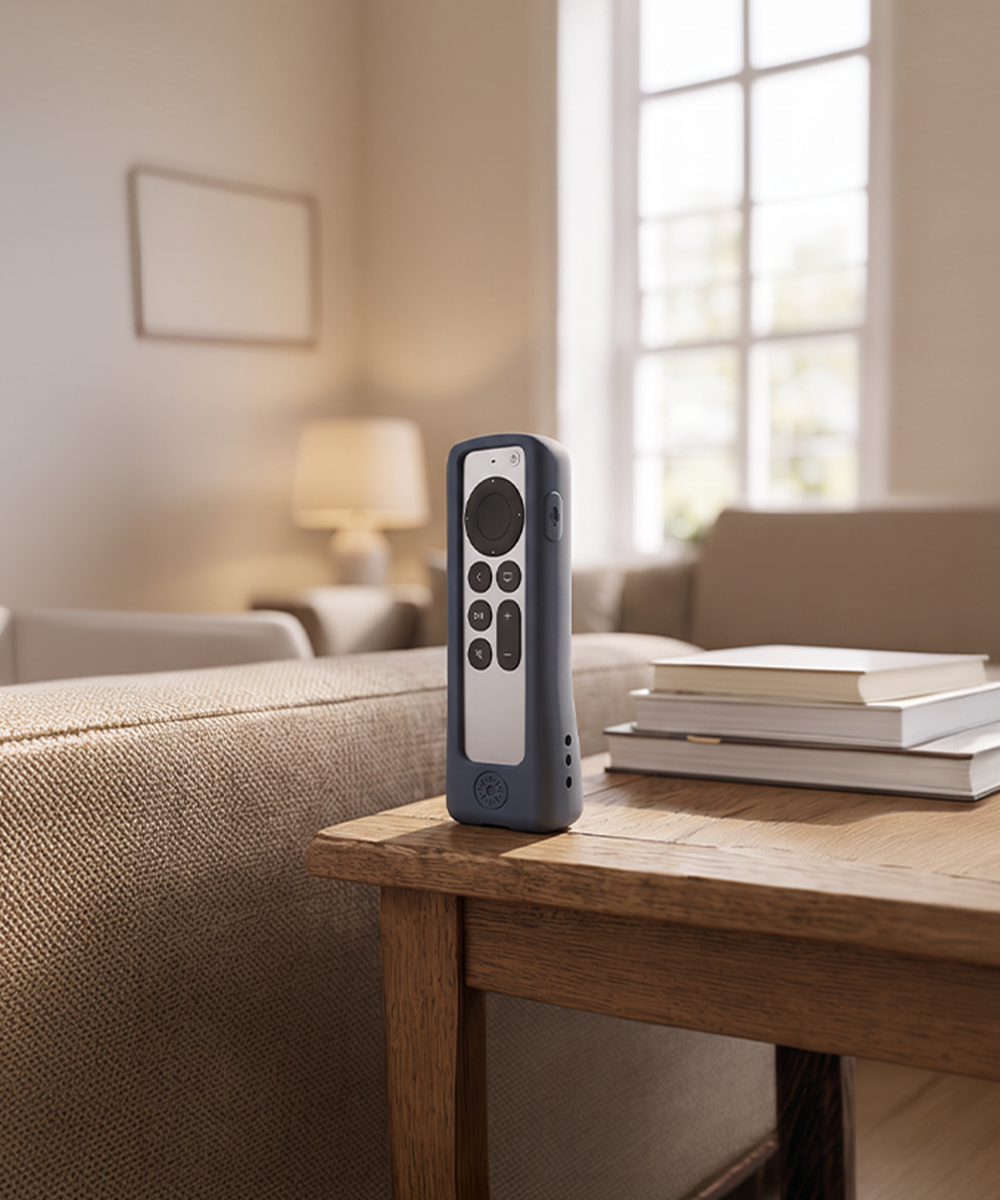
- Stands upright on its own base, so you can set it down in view instead of flat on a cushion
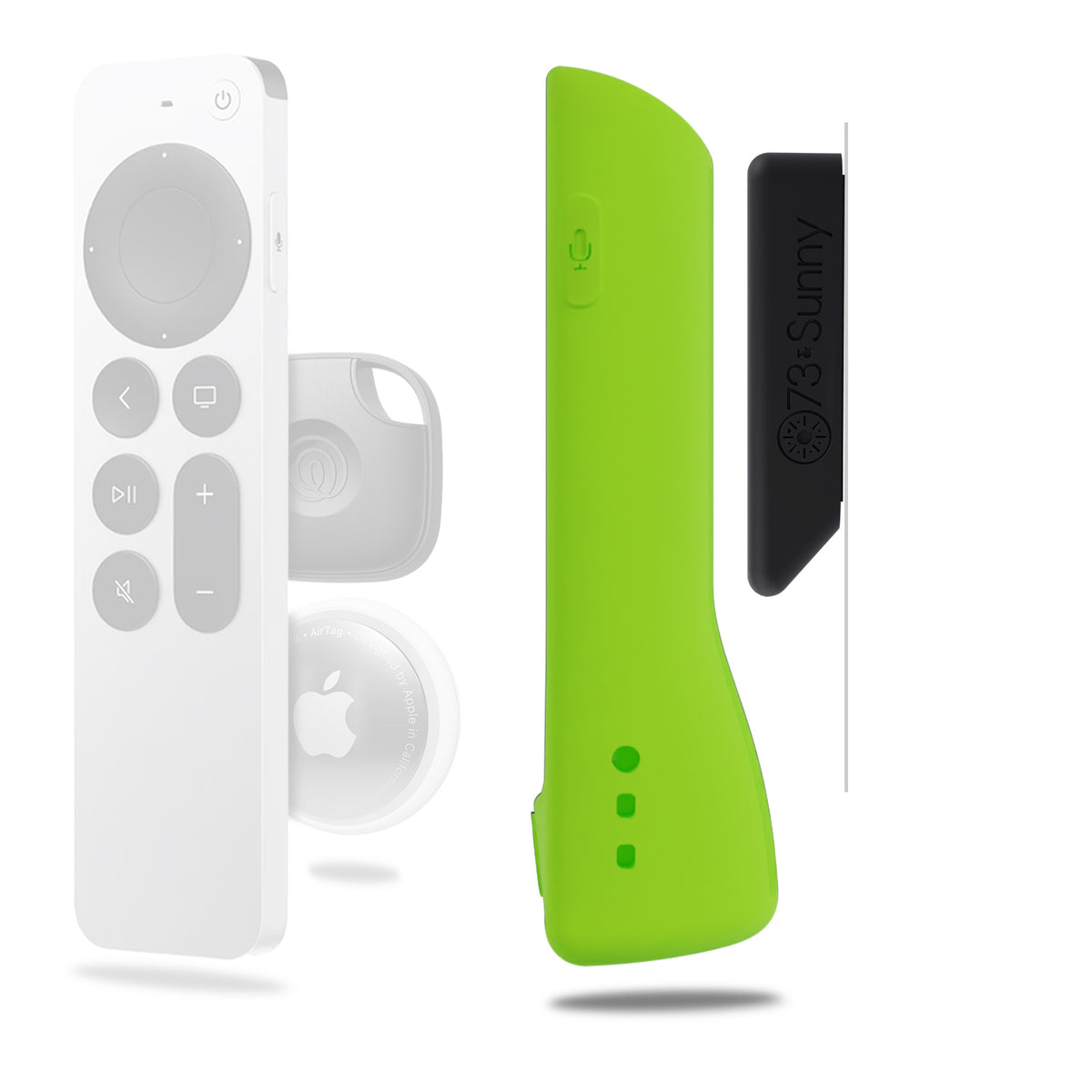
- Molded-in magnet: the magnet sits inside the silicone on both the case and the mount, so no hard part meets the mounting surface
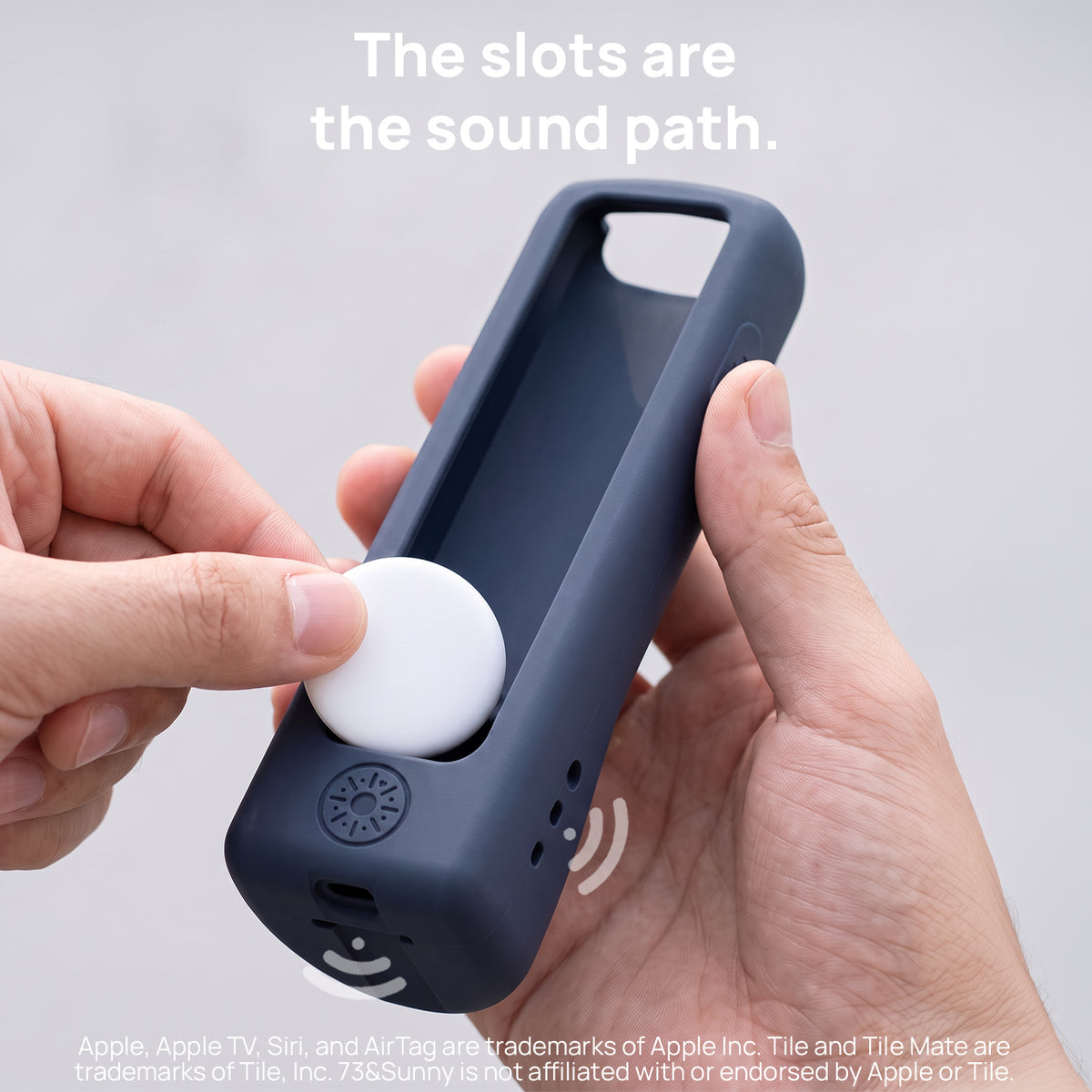
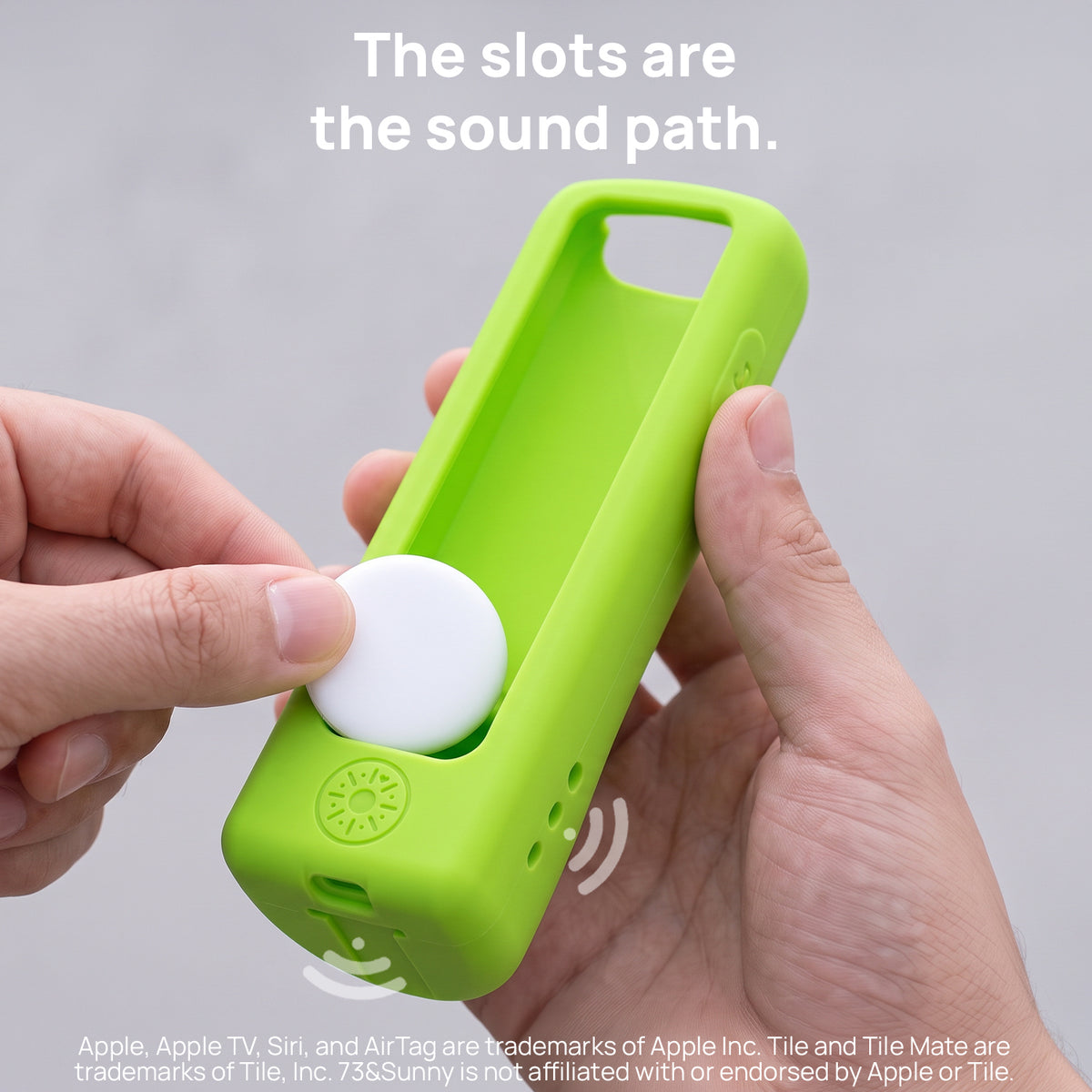
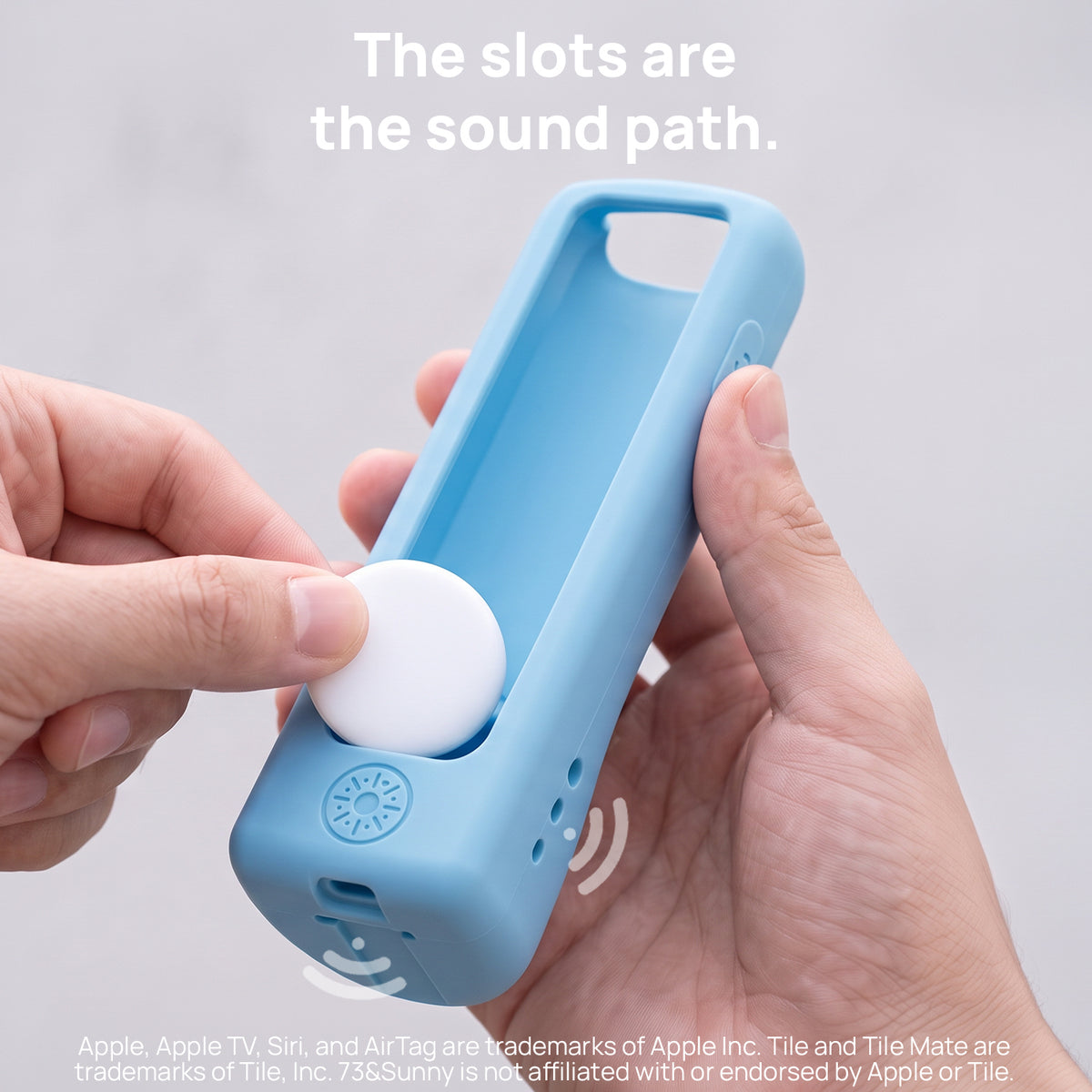
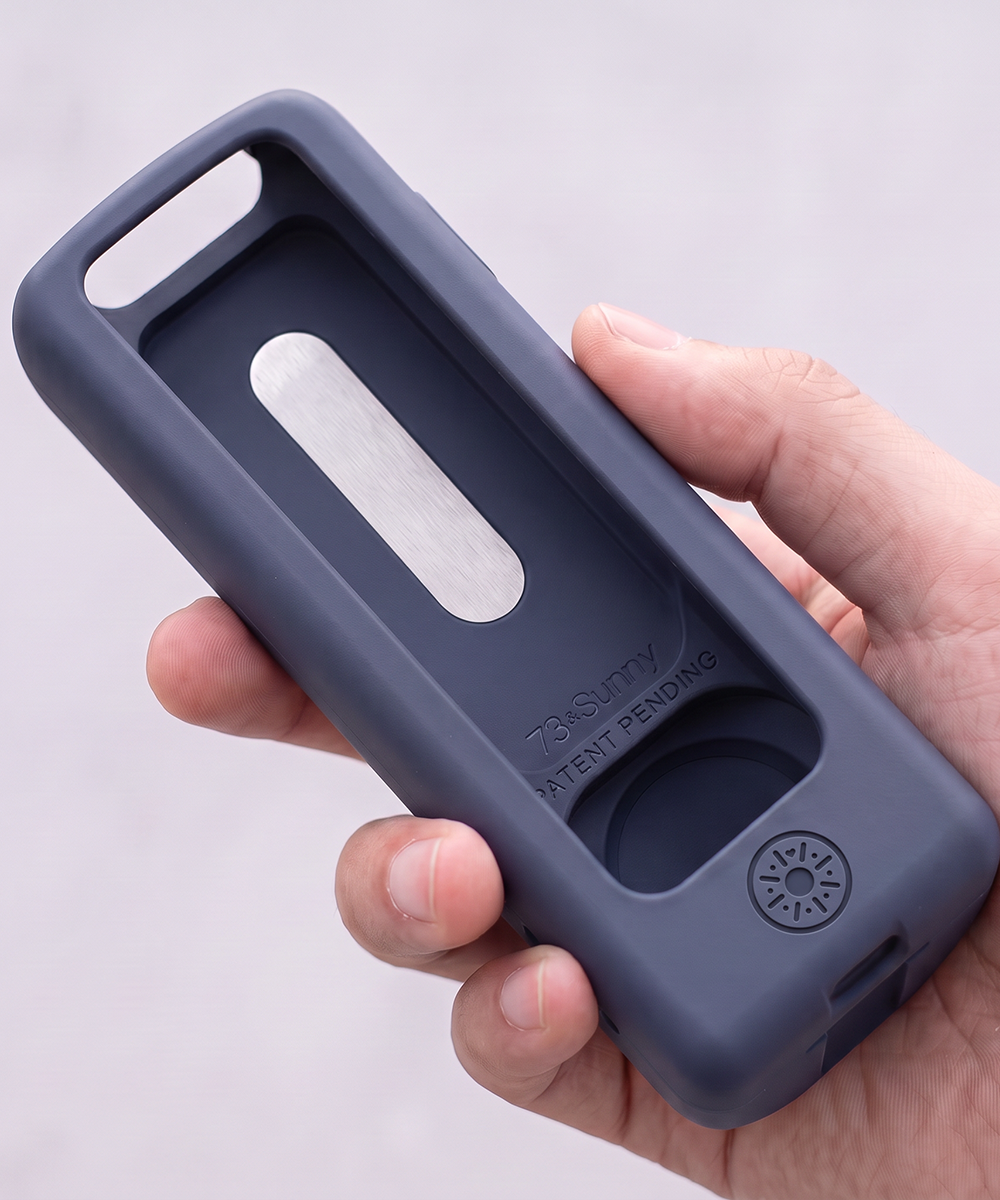
- Slot on the back holds a tracker, with three openings that leave the sound path clear. AirTag and Tile Mate not included, sold separately
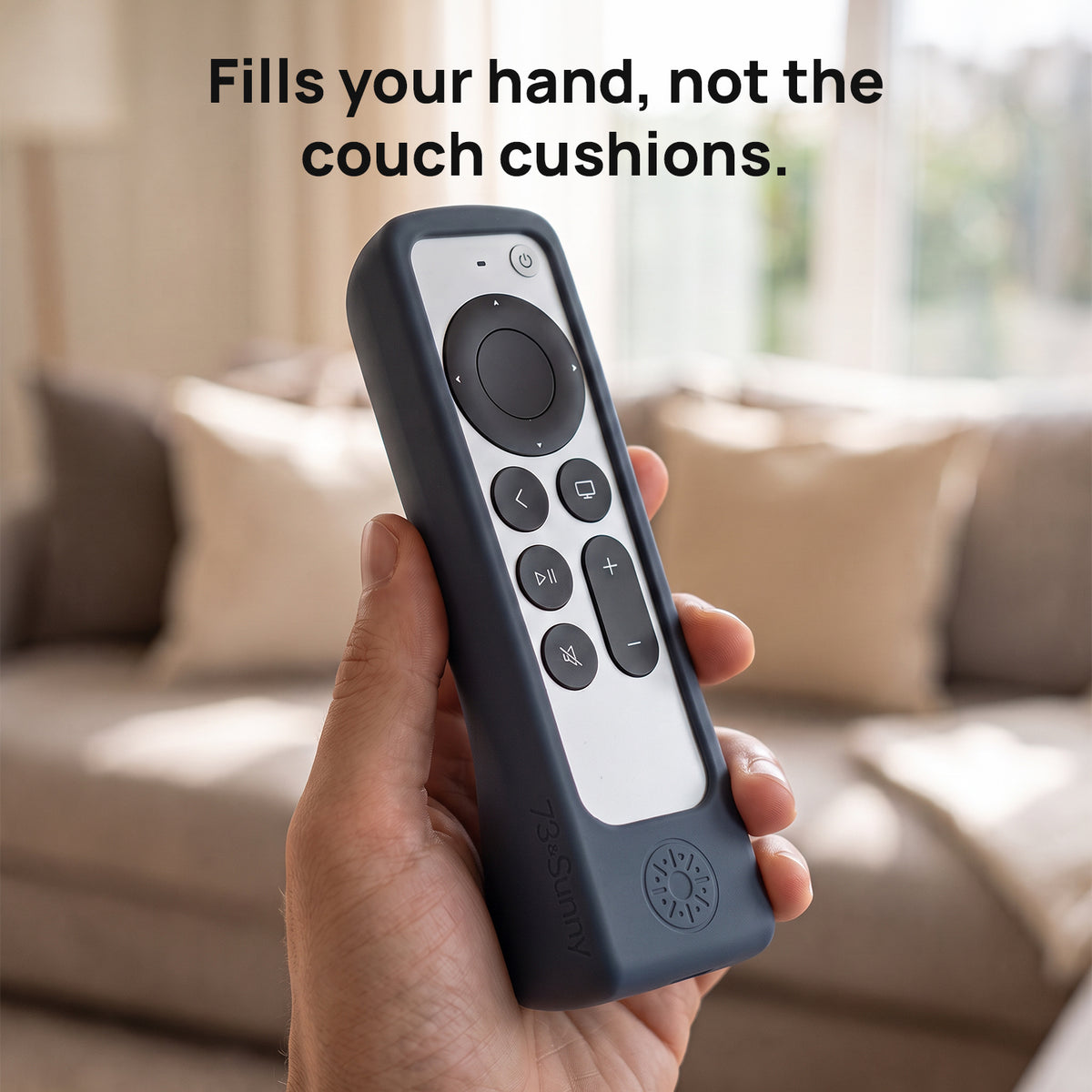
- Soft silicone build wraps the remote's corners and edges in a single continuous piece, with a two-year warranty
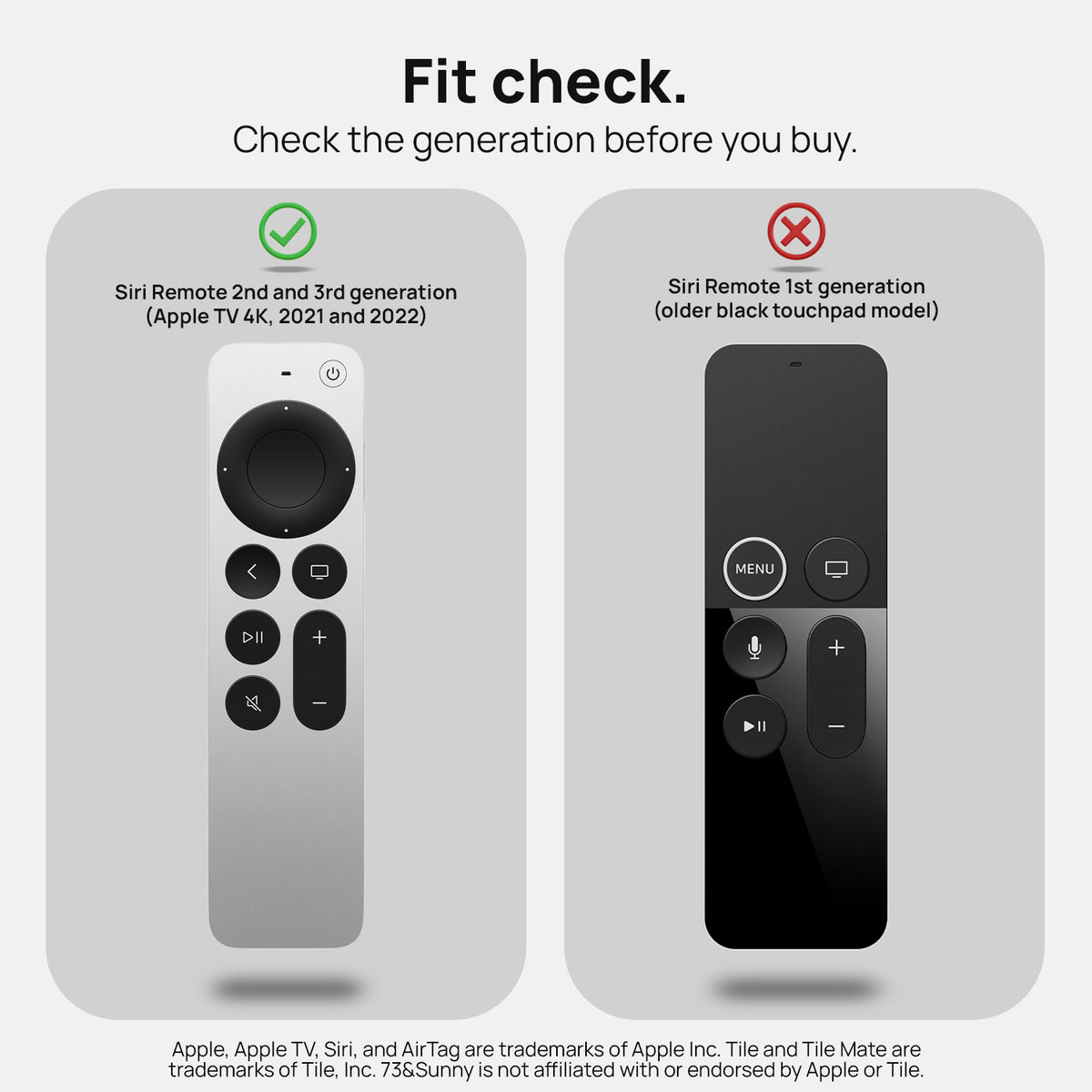
Fits Siri Apple TV 4K/HD, 2nd and 3rd Gen. Does not fit 1st Gen.
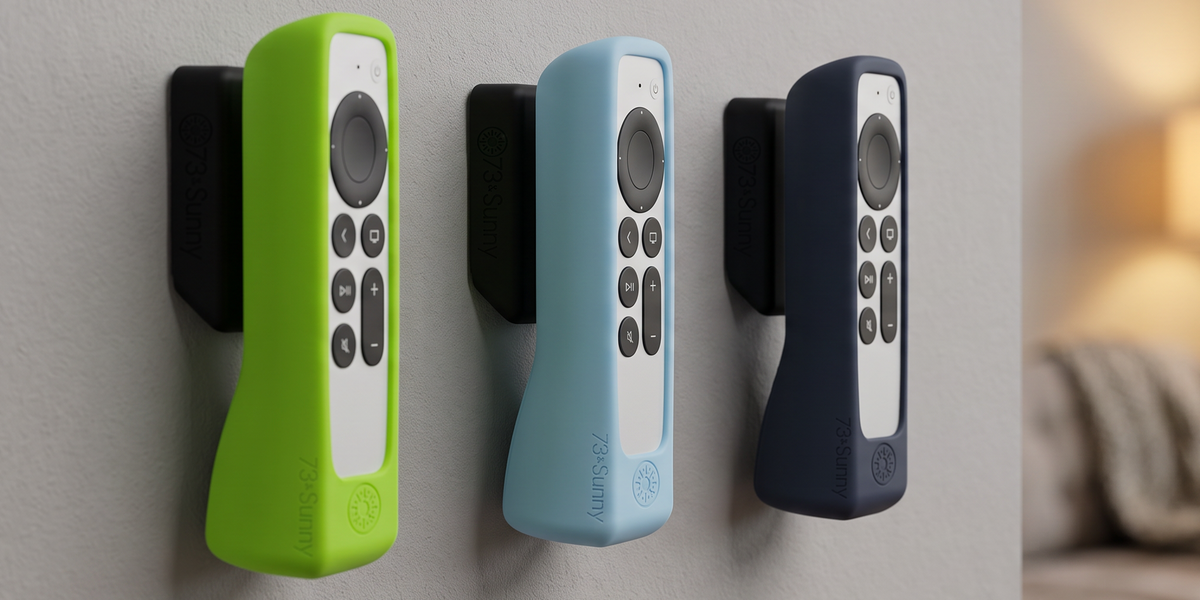

The case you know, now with a magnetic mount
A set place to live.
About the GripStand Case + Mount
Made for the Siri Remote 2nd and 3rd Gen
Not compatible with the 1st Gen Siri Remote or any other remote.
Apple TV Siri Remote 2nd and 3rd Gen only. Not 1st Gen.
GripStand silicone case and one magnetic mount. Remote and tracker not included.
Soft silicone case and mount with molded-in magnets
Two years
In The Box

Case + Mount
Included
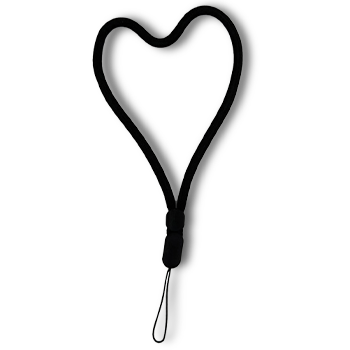
Lanyard
Included. Attaches to the remote

Warranty Card
Two-year hassle free warranty
Case and mount, up close
Tap the dots to see what each part does. Two pieces of silicone, one magnet in each, and a slot for a tracker on the back.
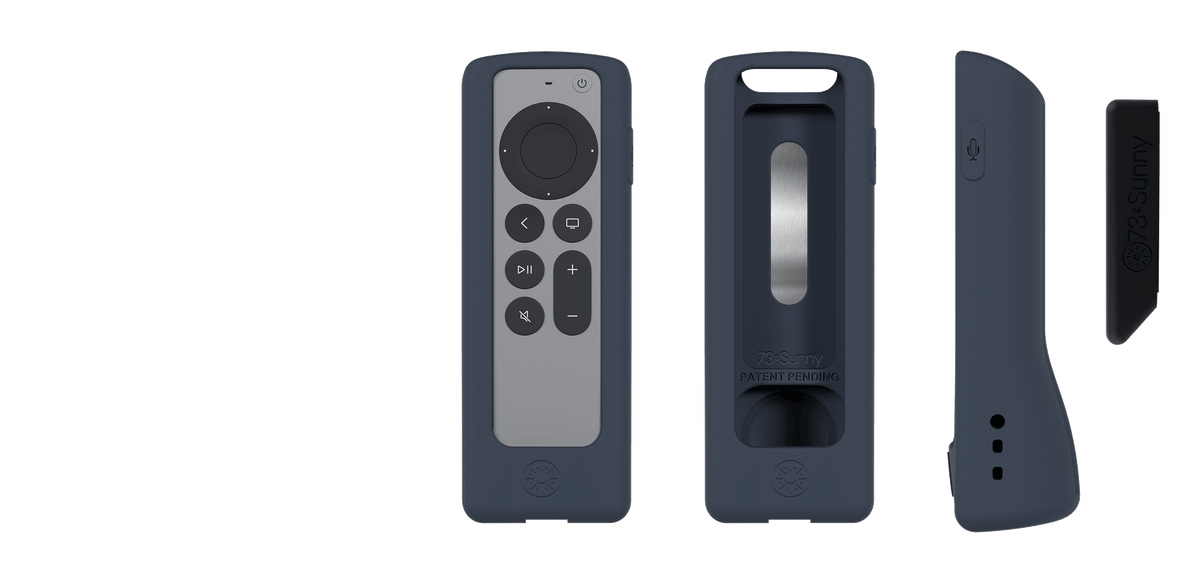
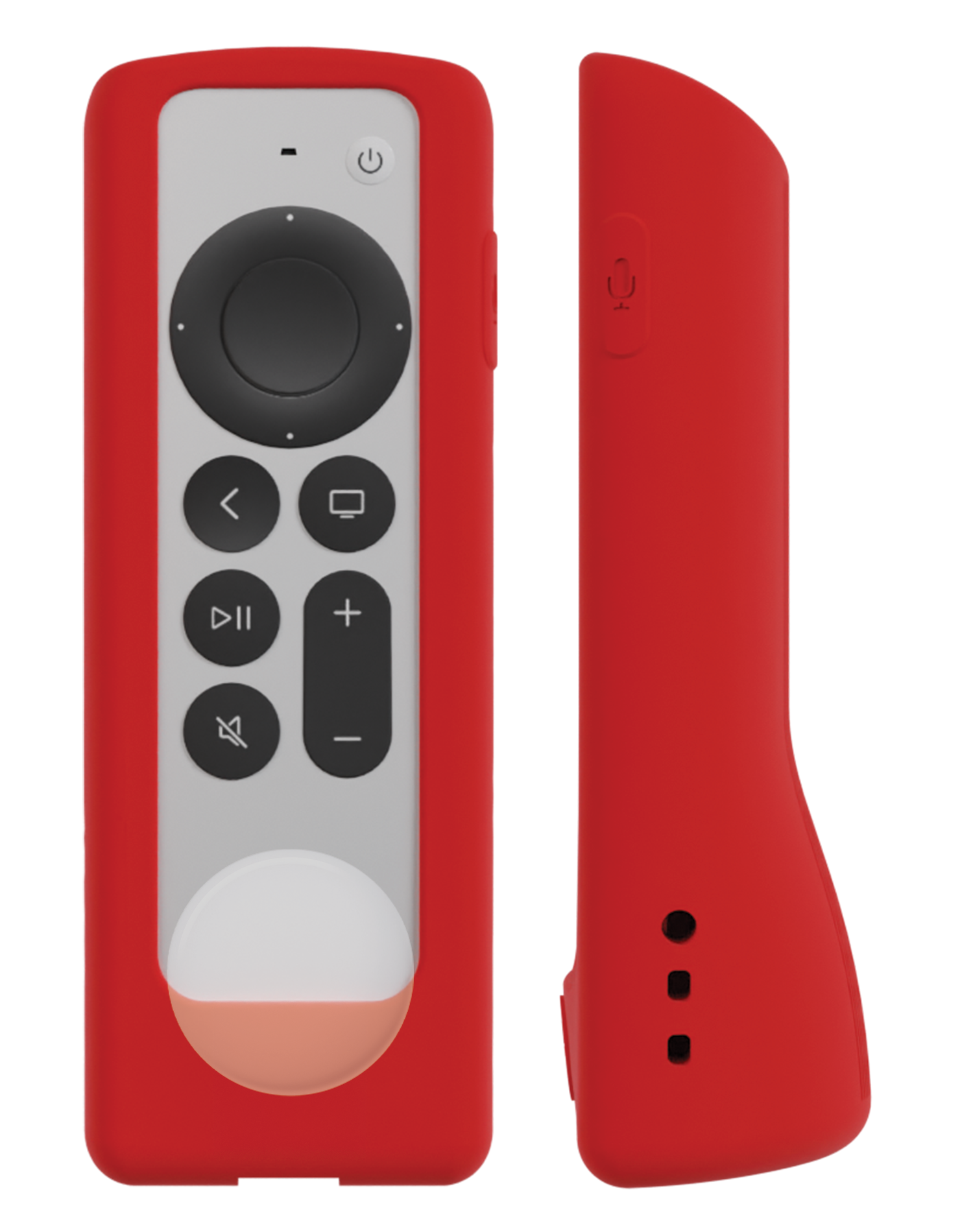
Molded-in magnet
Sits inside the silicone of the case, so nothing hard touches the remote.
Tracker slot
Holds an AirTag or Tile Mate on the back of the case. Three openings keep the sound path clear.
Flat base
Magnetic mount
Silicone mount with its own molded-in magnet. Adheres to a clean, flat surface.
Wrapped edges
One continuous piece of soft silicone covers the corners and edges of the remote.
2
Parts, case and mount
3
Sound openings for a tracker
2 yr
Warranty

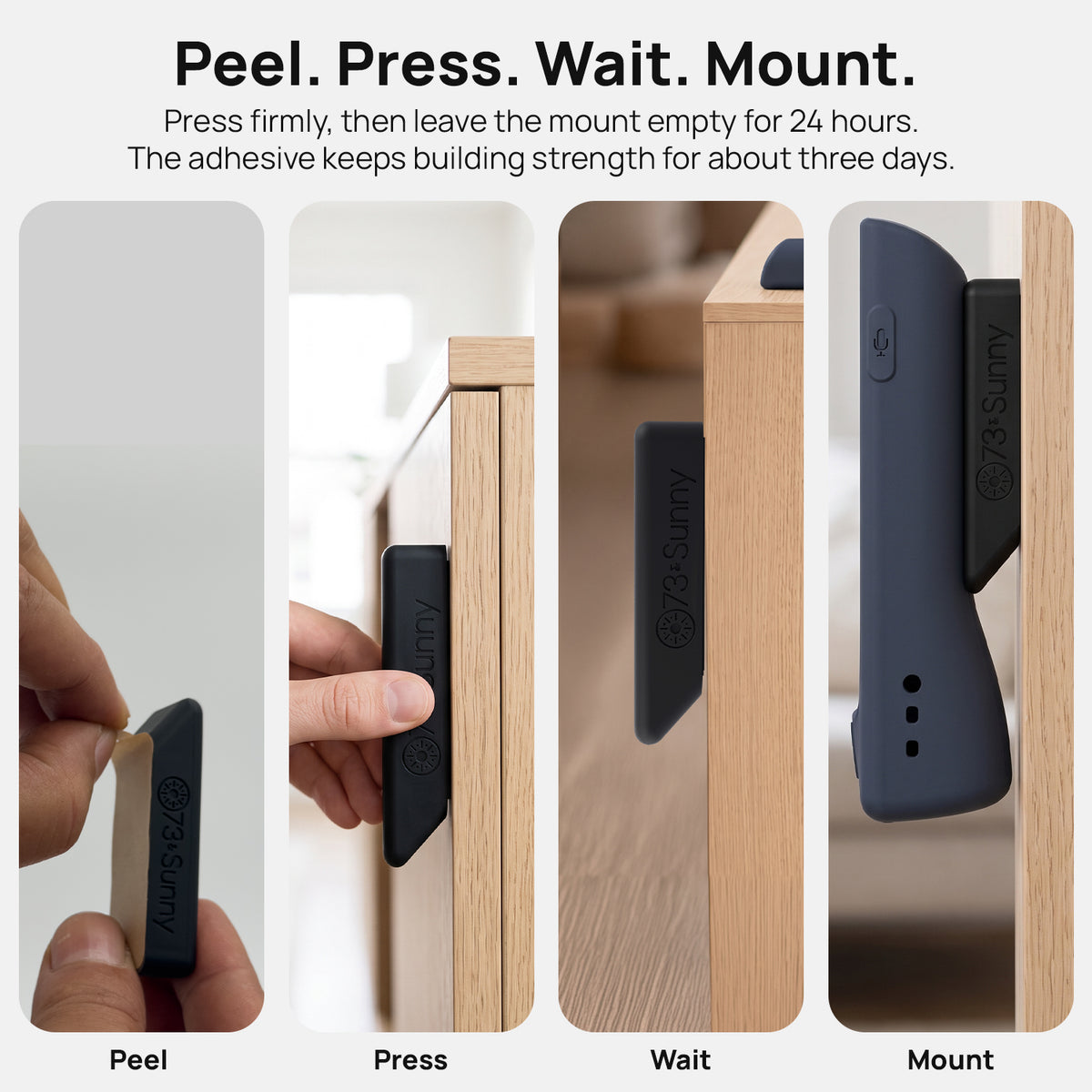
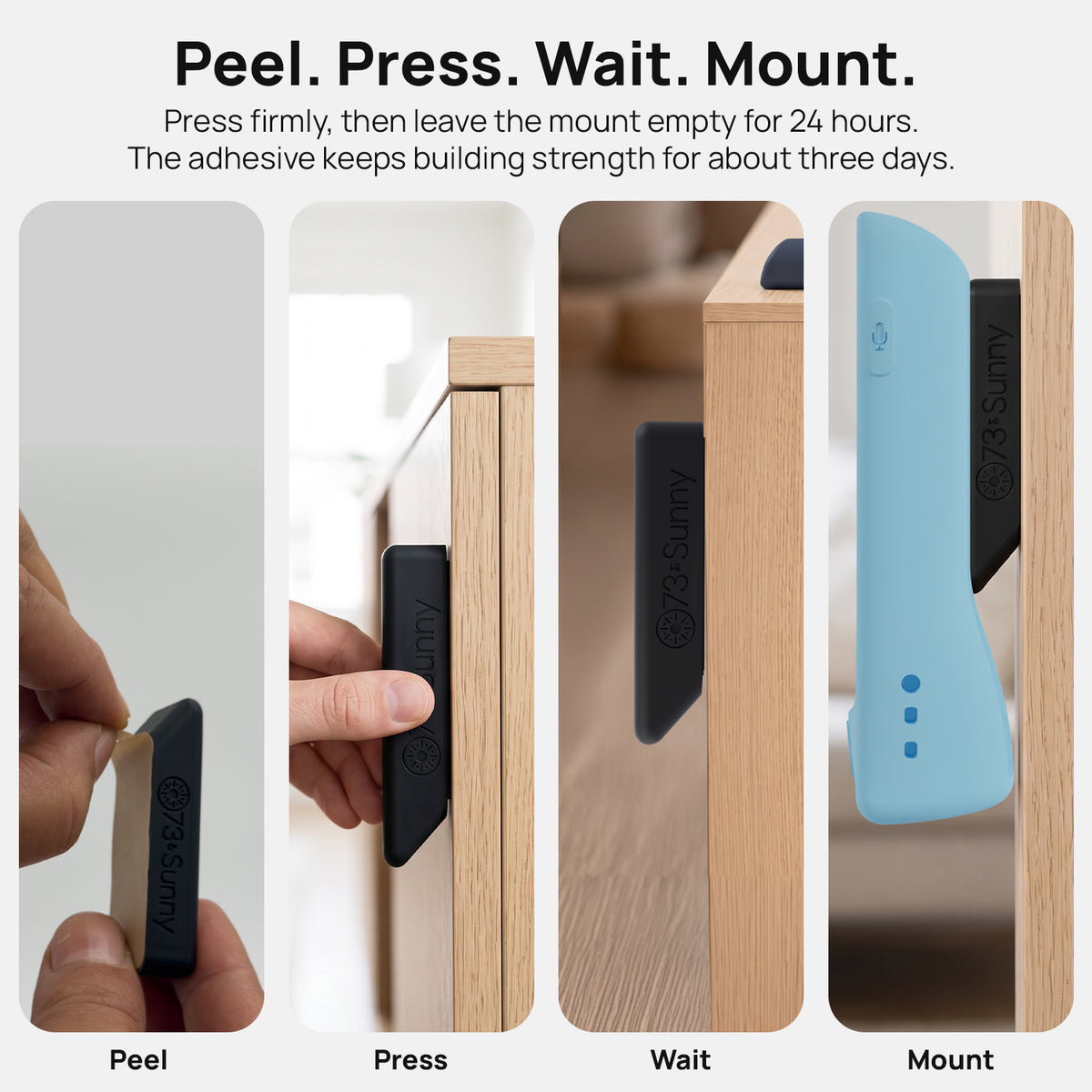
1. Peel.
Remove the backing from the mount.
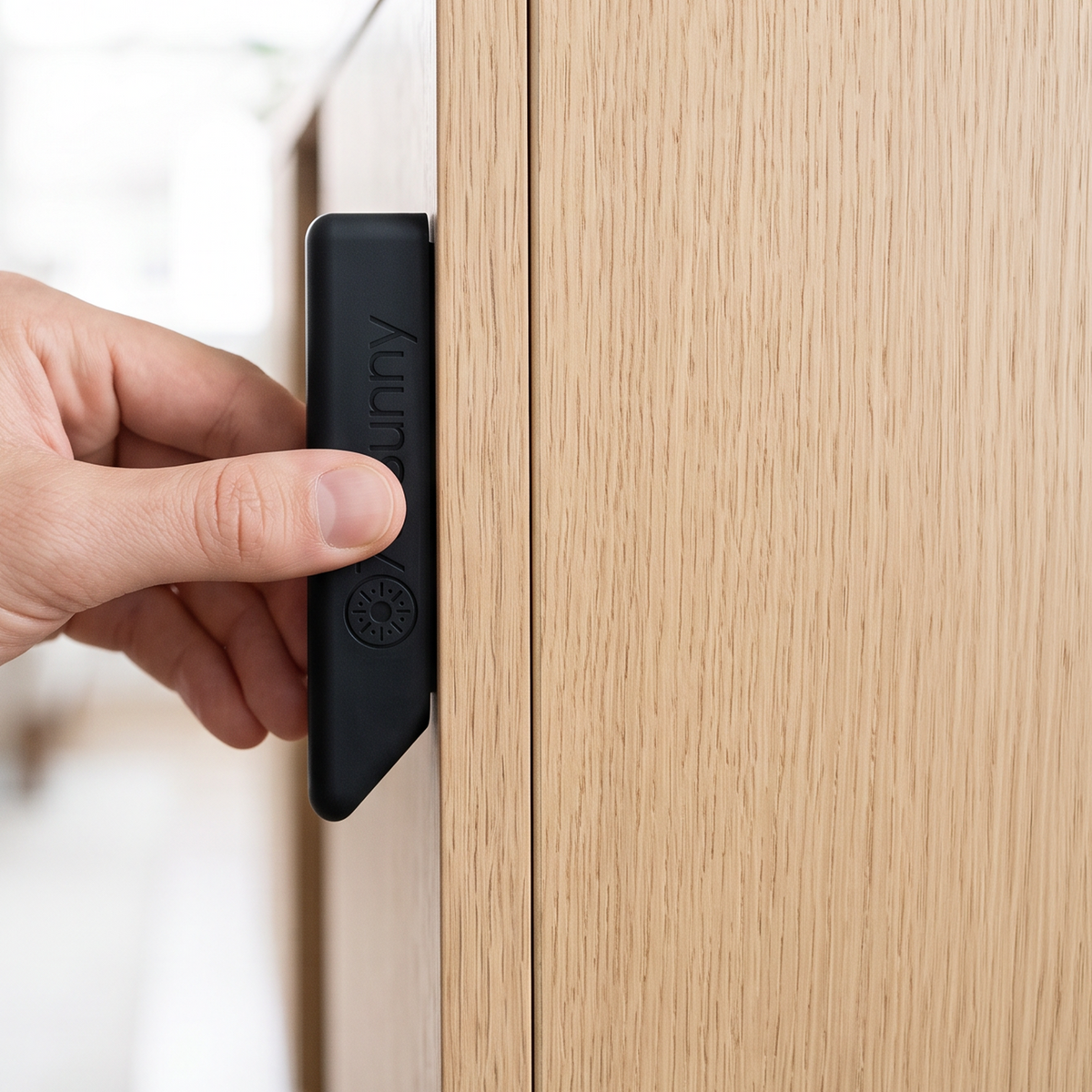
2. Press.
Hold it firmly to a clean, flat surface.
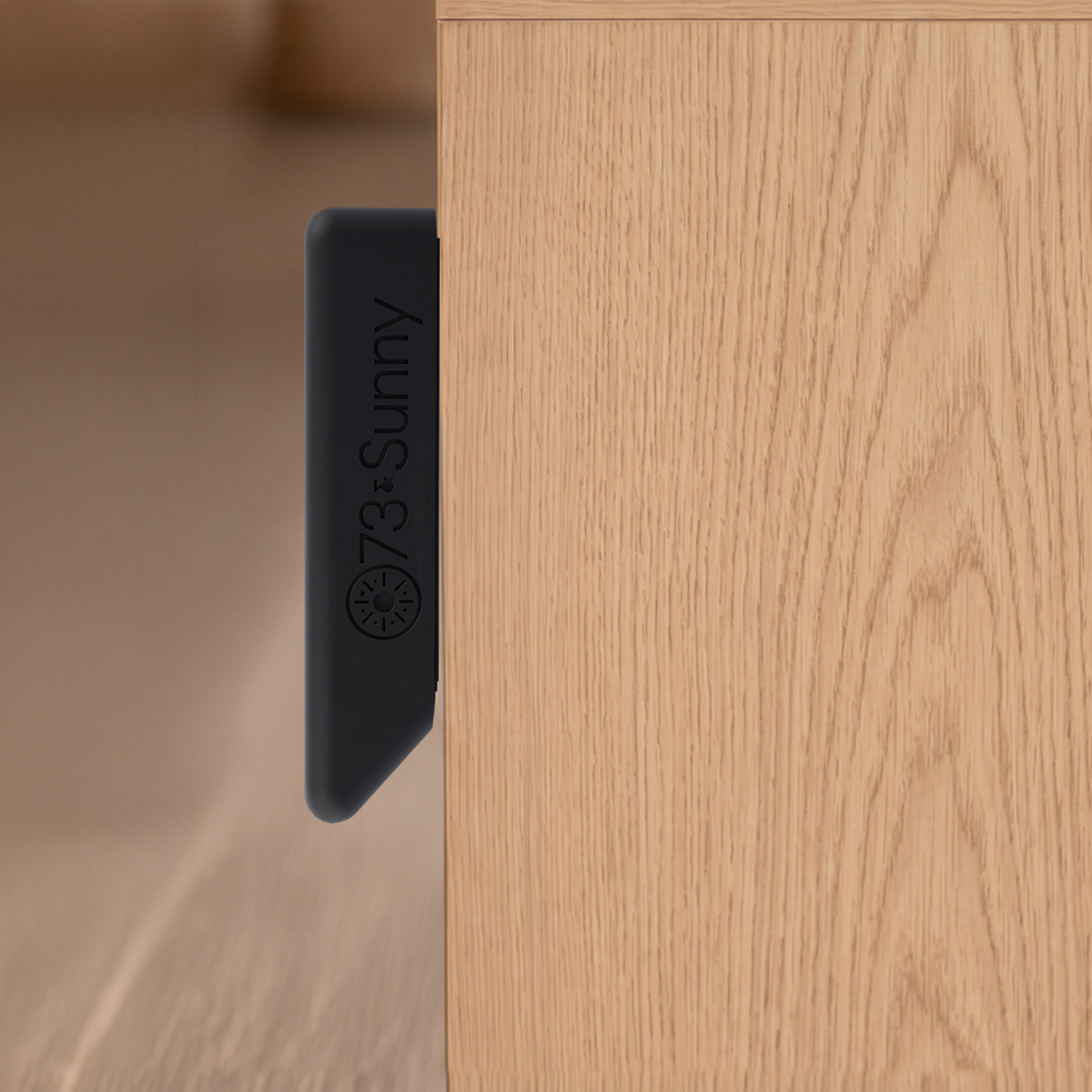
3. Wait.
Leave the mount empty for 24 hours while the adhesive sets.
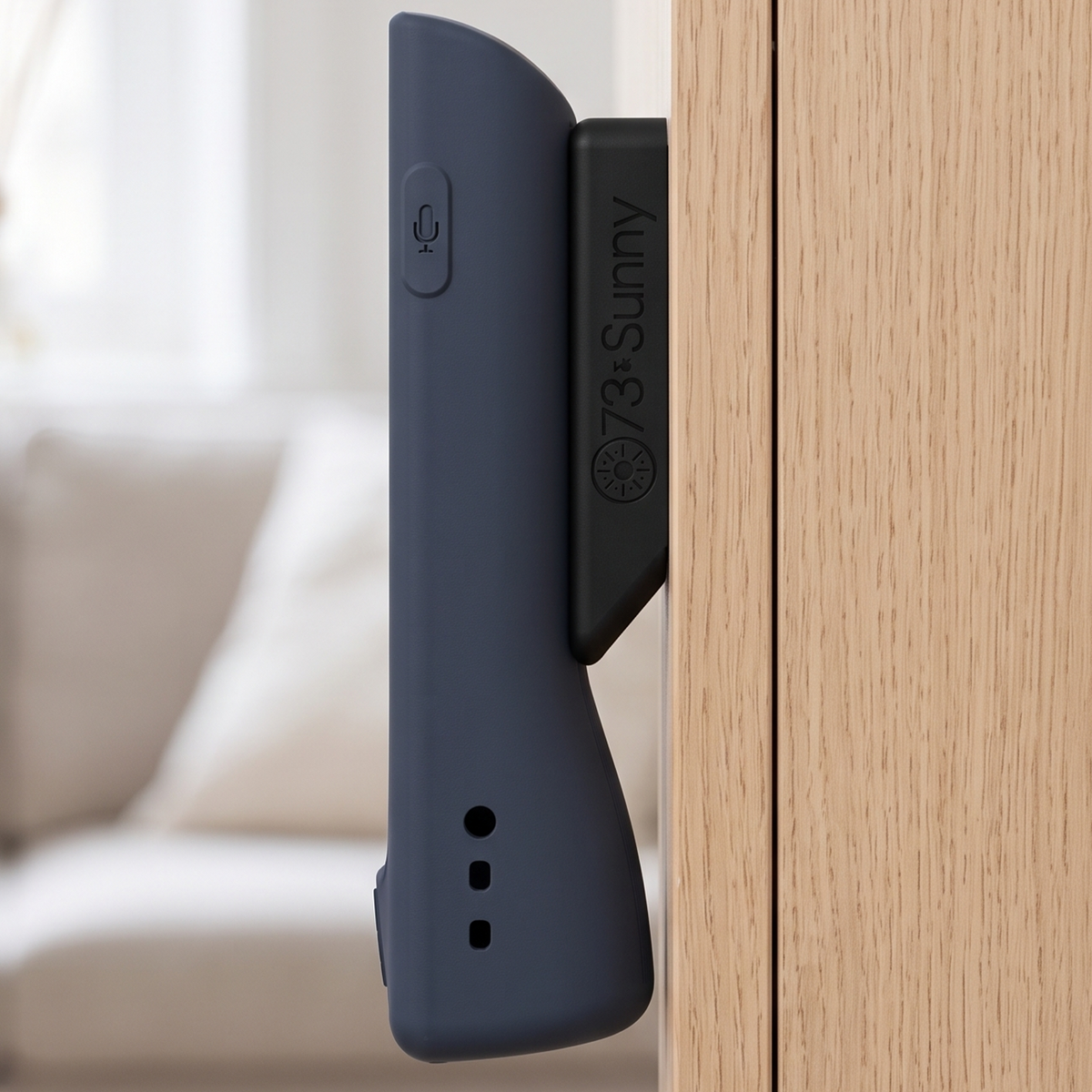
4. Mount.
Bring the cased remote to it and let the magnet do the rest.

Tracker slot
The slot on the back holds an AirTag or Tile Mate, with three openings that leave the sound path clear. Tracker not included.
Flat base
The base is flat, so the remote stands upright on a table without the mount. Set it down in view instead of losing it in the cushions.
Molded-in magnet
The magnet is molded into the silicone on both the case and the mount, so nothing hard touches the remote or the surface it sits on.
Fit a tracker in seconds.
The pocket on the back holds an AirTag or Tile Mate, with three openings so the chime still comes through. This short video shows you how to slot it in. Tracker not included.
Peel, press, wait, mount.
Stick the mount on any clean, flat surface, give the adhesive 24 hours, then bring the cased remote to it. This video walks through all four steps.
FAQ
Quick answers on fit, the mount and the tracker slot.
Does it fit my remote?
It fits the Siri Remote 2nd and 3rd Gen, the silver aluminium remote that ships with Apple TV 4K and HD. It does not fit the 1st Gen black touchpad remote.
Is a tracker included?
No. The slot on the back holds an AirTag or a Tile Mate, but both are sold separately. The three openings around the slot keep the sound path clear so you can still hear it ring.
How can I return a defective product that has passed Amazon’s return window but is less than two years old?
Please email support@73sunny.com or contact us with a screenshot of your order number and date. We will take care of the rest!